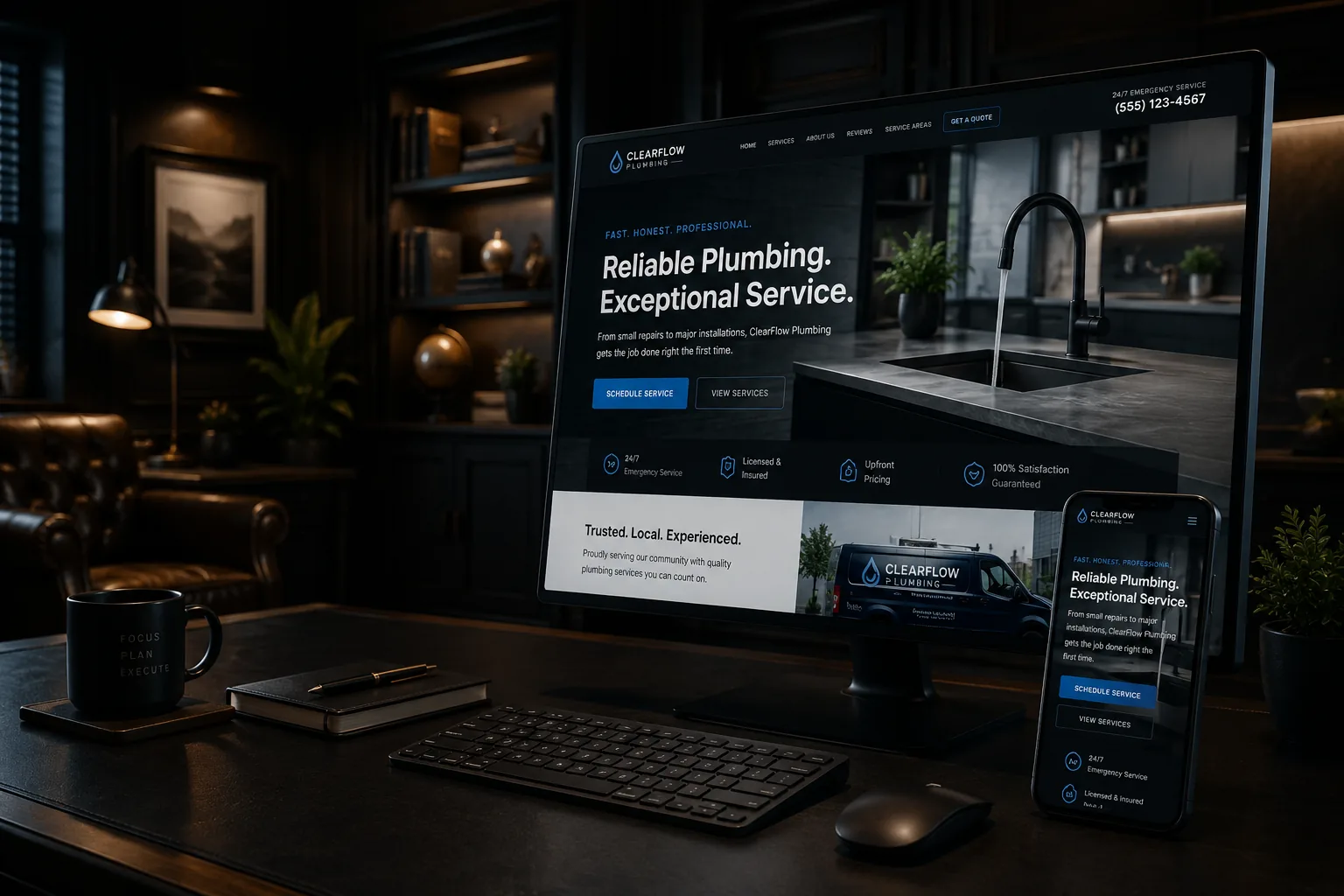
The traditional five-page website — Home, About, Services, Gallery, and Contact — can establish a basic presence. It is usually too compressed for a contractor who offers several services, serves multiple communities, and needs customers to understand the work before requesting an estimate.
The answer is not a fixed page count. The site needs one clear home for each important customer task. Pages should exist because they resolve a real question, support a distinct service, show useful proof, or guide the next step.
Give each priority service enough room
A general Services page is a directory, not the complete explanation. A remodeling contractor may need separate pages for kitchens, bathrooms, basements, additions, and decks. An electrician may separate service upgrades, generators, EV charging, lighting, and troubleshooting.
Each page should explain suitable projects, common problems, what the service includes, relevant choices, the process, proof, service coverage, and the next step. Do not create a page for every tiny task if the business would not want a dedicated inquiry for it.
Explain the process before the first call
Contractor customers worry about disruption, communication, scheduling, estimates, change orders, cleanup, and payment. A process page or process section can set expectations without making promises the company cannot always keep.
- What happens after an inquiry?
- What information helps determine fit?
- When is an on-site visit needed?
- How are scope changes handled?
- Who communicates during the project?
- What should the customer prepare?
Clear expectations also reduce poor-fit leads and repeated administrative questions.
Turn the gallery into evidence
A grid of attractive photos proves that work occurred, but captions make the proof useful. Identify the type of project, general location when appropriate, problem, solution, materials or constraints, and outcome without sharing private information.
A few detailed project pages can be stronger than hundreds of unlabeled images. For example, a Concord bathroom renovation page might show layout constraints, waterproofing choices, storage improvements, and the sequence of work. It must be presented as a real project only if the facts are real and approved.
Use service-area content honestly
Customers need to know whether the contractor travels to them. A service-area hub can explain the routine territory and link to useful regional pages. Location pages should add information beyond a town-name swap, such as availability, project types, travel considerations, or locally relevant questions.
Do not imply an office in every town or create multiple Business Profiles for places where the company is not eligible. The website can describe a legitimate service area without inventing locations.
Make credentials specific and current
Show licenses, insurance, certifications, warranties, manufacturer relationships, or trade memberships only when they are accurate and current. Explain what the credential means to the customer. If licensing requirements vary by trade or state, avoid broad claims that may be wrong.
Ownership and contact details also build trust: a real business name, consistent phone number, clear service territory, privacy-conscious forms, and an About page that introduces the accountable person or business without inflated history.
Use reviews with context
Reviews can be placed near the service they support instead of isolated on one page. Identify the source accurately and follow platform terms. Never invent testimonials, edit away the meaning, or present a hypothetical statement as a review.
A responsible review process asks customers for honest feedback without incentives and responds professionally to both positive and negative experiences.
Answer sales questions in FAQs and resources
Useful FAQs can address scheduling, estimates, service limits, preparation, permits, warranties, materials, and emergencies. Educational resources can go deeper into decisions that deserve a full article. The goal is not to add an FAQ block for schema. It is to prevent uncertainty.
Google has limited FAQ rich-result visibility for most commercial sites, so a contractor should publish FAQs for customers, not because a plugin promises extra search space.
Build several conversion paths
Emergency services may need a persistent call button. Larger projects may need a short qualification form. Maintenance customers may need scheduling or a service-plan request. Give each path a clear label and state the expected response window.
Connect forms to an actual follow-up process. Missed calls, messages in a spam folder, or inquiries with no owner are operational failures that a new page design cannot solve.
Keep the site maintainable
A contractor should be able to add projects, change service information, update service areas, and replace staff or equipment photos without a rebuild. Establish a simple content routine: collect approved photos, project facts, customer permissions, review links, and recurring questions while the work is fresh.
A sensible architecture
- Home: clear positioning, priority services, proof, coverage, and next step.
- Service hub plus detailed pages for priority work.
- Service-area hub plus selective useful regional pages.
- Project gallery plus detailed project stories.
- Process, About, reviews or proof, FAQs/resources, and Contact.
- Policies or accessibility/privacy information appropriate to the business.
What to do next
- List the services the business most wants and is equipped to perform.
- Write the customer questions and proof required for each service.
- Inventory real photos, reviews, credentials, process information, and service-area details.
- Map one primary conversion path for urgent, planned, and repeat work.
- Build the smallest architecture that gives each important decision a clear home.
Different trades need different proof
A plumber may need emergency and planned-service paths, clear coverage, and information about what to do before arrival. A remodeler may need detailed project stories, design or selection expectations, and a longer qualification form. A landscaper may benefit from seasonal service pages and galleries organized by project type. Copying one contractor template across these businesses ignores how the customer decision changes.
Build a simple field-to-website routine. After a suitable project, collect approved photos, the general problem, work performed, materials or constraints, service location at an appropriate level, and one lesson a customer would find useful. Store the originals with permissions and dates. A web partner can turn that source material into galleries, project pages, FAQs, and social posts without inventing details.
Review the architecture when the service mix changes. If the company stops offering a service, update navigation, profile details, forms, internal links, and related articles together. Leaving old pages live can create calls the business no longer wants.
A website should explain the business as well as the owner can
A five-page brochure often forces a skilled contractor's knowledge into generic summaries. TechDad Technology builds contractor websites as working business assets: clear enough for homeowners, structured for search, supported after launch, and honest about what the company does and where it works.