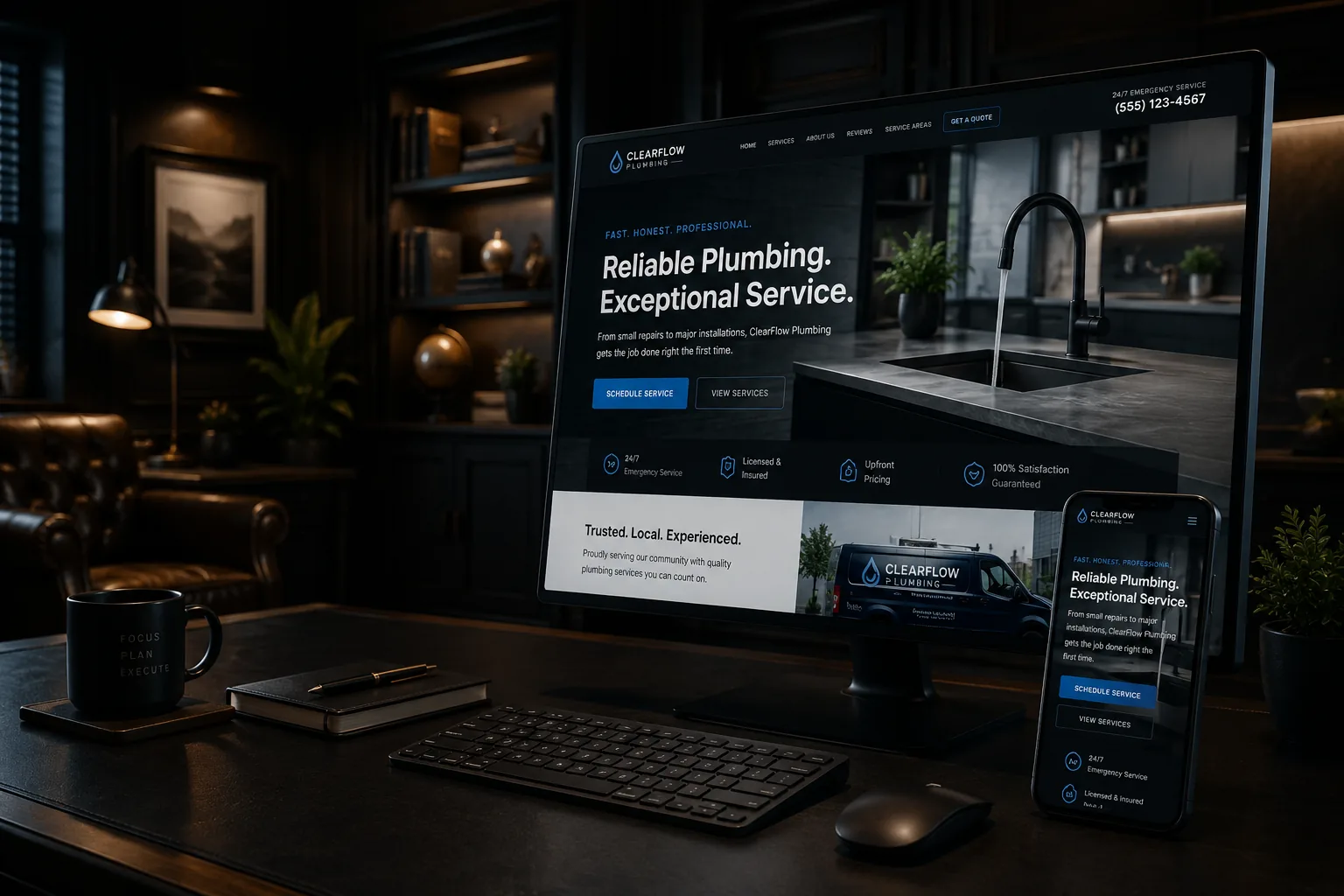
An older website can look dated and still have valuable content, search visibility, working integrations, and a familiar customer path. Another site may look modern while sitting on an unsupported platform with no business-controlled access. Age alone does not determine scope.
The best decision is the smallest project that solves the business problem without preserving a dangerous technical foundation. That may be a refresh, a content restructure, targeted repair, a platform migration, or a full rebuild.
Define the problem before choosing the solution
- Business problem: the services, audience, territory, or sales process changed.
- Content problem: pages are vague, thin, duplicated, or poorly organized.
- Conversion problem: qualified visitors cannot find proof or take the next step.
- Technical problem: the site is slow, insecure, inaccessible, unstable, or hard to update.
- Ownership problem: the business lacks domain, platform, hosting, or data access.
- Brand problem: the presentation no longer reflects the business.
Several problems can coexist. Write them down and rank them by customer and operational impact. A visual redesign should not outrank a broken estimate form or lost domain access.
Choose a refresh when the foundation is sound
A refresh updates presentation and selected content without replacing the platform or information architecture. It can work when the site is secure, maintainable, mobile-friendly, properly owned, and already organized around useful pages.
- Revise homepage and service messaging.
- Replace outdated photos and trust signals.
- Improve calls to action and forms.
- Modernize typography, spacing, color, and navigation details.
- Correct titles, headings, internal links, and metadata.
- Address a limited set of performance and accessibility issues.
A refresh is not cosmetic if it improves clarity and customer action. It is simply narrower than a rebuild.
Choose technical repair when design is not the main issue
A stable design may be worth keeping while fixing form delivery, HTTPS problems, plugin conflicts, redirect chains, broken mobile layouts, backup failures, or indexing mistakes. Start with diagnostics. Replacing the whole site before identifying the fault can reproduce the same problem on a new platform.
Choose content restructuring when the pages no longer match the business
A company that added services gradually may have one overloaded Services page, overlapping blog posts, and unclear regional coverage. The platform may be fine. The project may require a page inventory, new service architecture, redirects, internal links, and rewritten navigation.
This scope can have more SEO risk than a color refresh because URLs and content relationships change. Map every old URL to its kept, combined, redirected, or retired destination. Preserve useful information and avoid deleting pages solely because they look old.
Choose platform migration when the operating model is the problem
A migration moves the site to a more suitable platform or host. Reasons include poor portability, high required fees, lack of access, unsupported software, limited integration options, or a maintenance burden that no longer fits the business.
Do not assume a content export recreates the complete site. Platform exports can omit themes, customizations, plugins, and media. Inventory content, files, form data, metadata, redirects, tracking, DNS, email dependencies, and structured data before moving.
Choose a full redesign or rebuild when problems are structural
A rebuild is justified when several core systems are failing: the brand and services changed substantially; the platform cannot support essential work; mobile and accessibility problems are widespread; content architecture is unusable; or the business cannot safely maintain the site.
A rebuild should still reuse good assets. Search queries, successful landing pages, project photos, strong copy, customer questions, analytics baselines, and existing links are inputs. Starting with a blank page for creative freedom can discard years of business knowledge.
Protect search visibility during change
- Crawl or inventory current URLs before work begins.
- Identify pages with impressions, links, conversions, and unique information.
- Keep important URLs when their purpose remains the same.
- Use direct permanent redirects for changed URLs.
- Carry forward accurate titles, canonical signals, structured data, and indexability settings.
- Update internal links and submit a current sitemap.
- Monitor Search Console, analytics, forms, and calls after launch.
Some fluctuation can occur after significant changes. That is not a reason to avoid improvement, but it is a reason to plan and measure the migration.
Use a scored decision
Rate the current site from one to five for ownership, security, maintainability, content structure, mobile usability, accessibility, performance, conversion, measurement, and brand fit. Low scores clustered in content and conversion may support a refresh or restructure. Low scores across ownership, technology, and maintainability point toward migration or rebuild.
Then compare the expected life of each option. Spending repeatedly to patch an unsupported foundation may cost more than rebuilding. Replacing a sound site because a competitor changed colors may waste money.
What to do next
- Document the problems in business language: missed inquiries, confusing services, slow updates, inaccessible controls, or lack of ownership.
- Inventory pages, integrations, accounts, exports, analytics, and valuable assets.
- Request separate scopes for refresh, migration, and rebuild when more than one option is credible.
- Require a redirect, testing, backup, launch, and post-launch monitoring plan for major changes.
Separate launch scope from the improvement backlog
A redesign often grows because every old frustration is added to launch. Divide requirements into must launch, soon after launch, and later if evidence supports it. Ownership, security, working forms, accurate core pages, redirects, analytics, and critical accessibility belong in the first group. A complicated resource library or automation may be safer after the foundation is stable.
For example, an owner-operated home-service company may need a platform migration because updates and backups are unreliable. It can preserve the familiar brand, rewrite three priority service pages, carry over strong project photos, and launch with verified redirects. Secondary service pages and new project stories can follow. That is a rebuild of the foundation without turning the project into a complete rebrand.
Agree on acceptance checks for each scope: required pages, mobile journeys, form delivery, redirects, account ownership, backups, performance targets used as guidance, and known limitations. Clear acceptance criteria reduce arguments about whether the website merely looks finished.
Make the scope earn its cost
TechDad Technology can review an existing site and recommend a focused repair or refresh when that is enough. A full rebuild should be the result of evidence, not a default sales answer. The goal is a dependable business asset with the least unnecessary disruption.