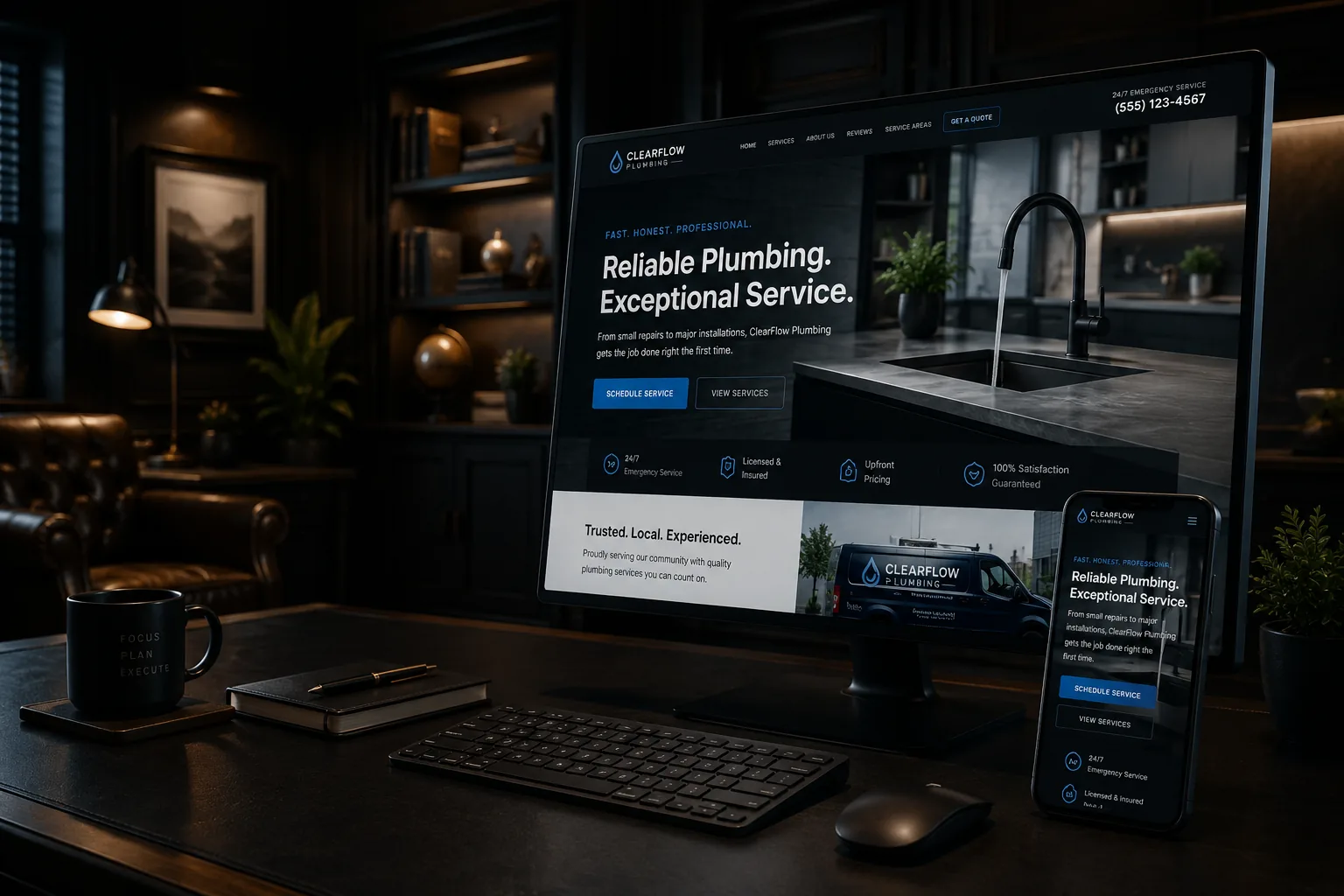
Your homepage needs to help the right visitor understand the business and choose a next step. It does not need to contain every service detail, company milestone, review, town, and answer.
A homepage is a well-marked front room, not the entire building.
What it should establish quickly
Near the top, answer:
- What does the company do?
- Who does it serve?
- Where does it operate?
- What is the most useful next action?
Then help different visitors branch toward services, projects, proof, About information, or contact. A homeowner with a specific problem should not scroll through the founder’s full history before finding the relevant service.
Use summaries that lead somewhere useful
A homepage service section should name and distinguish the major services, then link to pages with process, fit, proof, and questions. A short About section can introduce the owner and relevant experience, then link to the full story. Selected reviews can build confidence without reproducing every testimonial.
This creates clearer pages and stronger internal links. Google also recommends making important pages reachable with crawlable links and descriptive anchor text.
Signs the homepage is carrying too much
- Several sections repeat the same promise.
- Every service is described in equal depth.
- Visitors must pass long history or mission sections before seeing the offer.
- The page has many buttons with different labels but no priority.
- Location names dominate the copy.
- Important details are buried in carousels or tabs.
- The homepage ranks or converts poorly because it tries to answer conflicting intents.
What can safely move
Detailed service explanations belong on service pages. Full project stories belong on project pages. Company history belongs on About. Policies and intake instructions belong where customers need them. Educational comparisons belong in articles.
Moving content is not the same as deleting it. Preserve useful information and create a clear link.
Design for the next decision
Choose one primary CTA for most good-fit visitors, such as “Request an estimate,” and one lower-commitment path, such as “View services” or “See recent work.” Repeat the primary CTA where it helps after meaningful sections; repetition does not create a new choice.
Review the homepage on a phone. Can a visitor identify the company, reach the right service, see proof, call, and understand the service area without fighting the layout?
The best homepage does not win by saying the most. It wins by making the rest of the website understandable.
A practical homepage outline
The exact order varies, but a local service business can start with:
- 1.Clear offer, audience, region, and primary action
- 2.Major service choices with descriptive links
- 3.A compact proof section using real work, reviews, or credentials
- 4.A short explanation of the process
- 5.Selected projects or outcomes with context
- 6.A brief owner or company introduction
- 7.Important service-area and contact expectations
- 8.A final next step
Do not keep a section because it appears in a template. Keep it because it answers a decision or routes someone to the answer.
Before and after: a contractor homepage
Before: the page opens with “Quality craftsmanship you can trust,” follows with a full company history, lists 18 services in one paragraph, shows a stock handshake, and ends with four equally prominent buttons.
After: it opens with “Residential electrical repairs and panel upgrades in central New Hampshire,” offers clear paths to the three primary services, shows two documented projects and relevant credentials, explains how estimates work, and uses “Request an electrical assessment” as the main action.
The revised version may be shorter. It succeeds because visitors understand it faster and can reach deeper evidence.
What if several audiences use the site?
Give each major audience a clear branch. A contractor serving homeowners and commercial property managers can summarize both paths and link to pages that address different project sizes, procurement needs, proof, and contact methods.
If the audiences have unrelated offers and brand expectations, the business may need separate sections or sites. Do not solve a genuine brand-architecture problem by adding more homepage paragraphs.
How should you decide what to remove?
For every section, ask:
- Does it help visitors understand, trust, choose, or act?
- Is this the best page for the detail?
- Can a short summary and descriptive link do the job?
- Does another section already make the same point?
- Does the content remain accurate and maintainable?
Move rather than delete valuable detail. Preserve existing URLs and rankings when restructuring; a redesign should include a redirect and internal-link plan.
Measure service-path clicks, project views, qualified calls, and completed forms, not just homepage time. Several competing audiences, unclear analytics, a weak mobile hierarchy, or a redesign that could disrupt valuable pages are good reasons for a structured UX and SEO review.
Who should own each homepage claim?
Assign volatile information to a person and a review cycle. Operations should approve hours and service areas. Sales should confirm intake promises. The owner should approve positioning and experience claims. A marketer can shape the message but should not invent facts to fill a design.
Create a small content register listing the section, source, owner, last review, and destination link. This is especially useful for seasonal services, staff counts, years of experience, pricing statements, certifications, and response times.
Before launching a simplified homepage, crawl or manually review every link it replaces. A tidy design is not an improvement if important services become orphaned. Keep a copy of the old page, record redirects, and test the new navigation with real customer tasks.
Related reading
Customer-focused website navigation
Should every service have its own page?
How many calls to action should a website have?
Before-and-after photos for local service businesses
Sources
Google Search Central: Link best practices
Try a five-second test on a phone: show your homepage to someone unfamiliar with the company, then ask what you do, who you serve, where you work, and what they would do next. Simplify the page around any answer they could not find.